
Google has released a preview version of Gemini 2.5 Flash Image Preview, an image generation and editing model capable of conversational editing or image synthesis, now available across various Google services.
You can visit Gemini APP directly or access Google AI Studio to try it for free.
Update: Now you can directly mention @NanoBanana on X (Twitter) to generate images.
After accessing Google AI Studio, you can see the model in the top right corner is Gemini 2.5 Flash Image Preview.
Update: It is now displayed directly as Nano Banana.
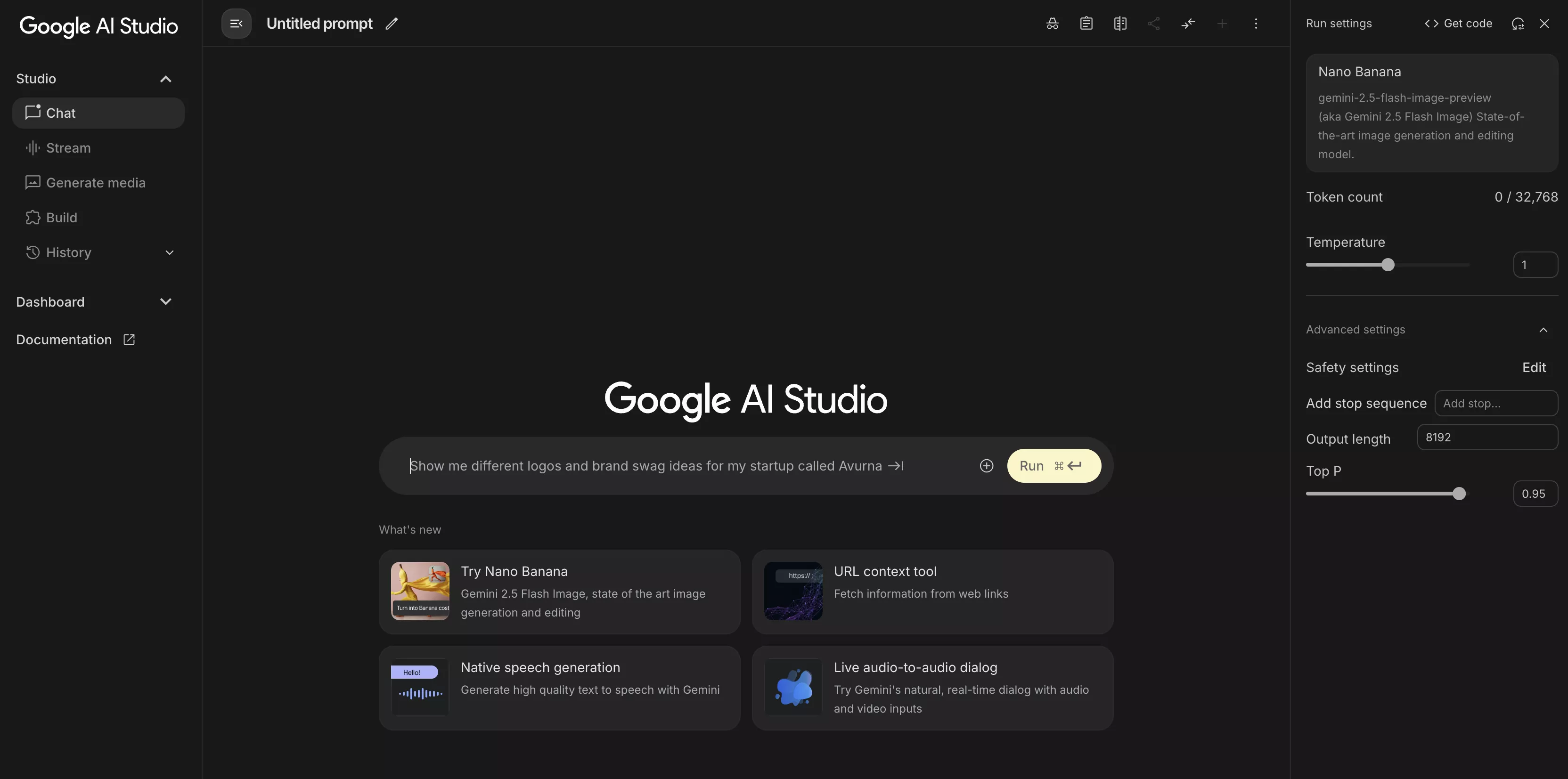
If you need to upload an image, simply click the + icon on the right side of the chat box or drag and drop the image directly into the input box. Let's try the popular prompts for generating action figure images:
Use the nano-banana model to create a 1/7 scale commercialized figure of thecharacter in the illustration, in a realistic style and environment. Place the figure on a computer desk, using a circular transparent acrylic base without any text.On the computer screen, display the ZBrush modeling process of the figure. Next to the computer screen, place a BANDAI-style toy packaging box printed with the original artwork.
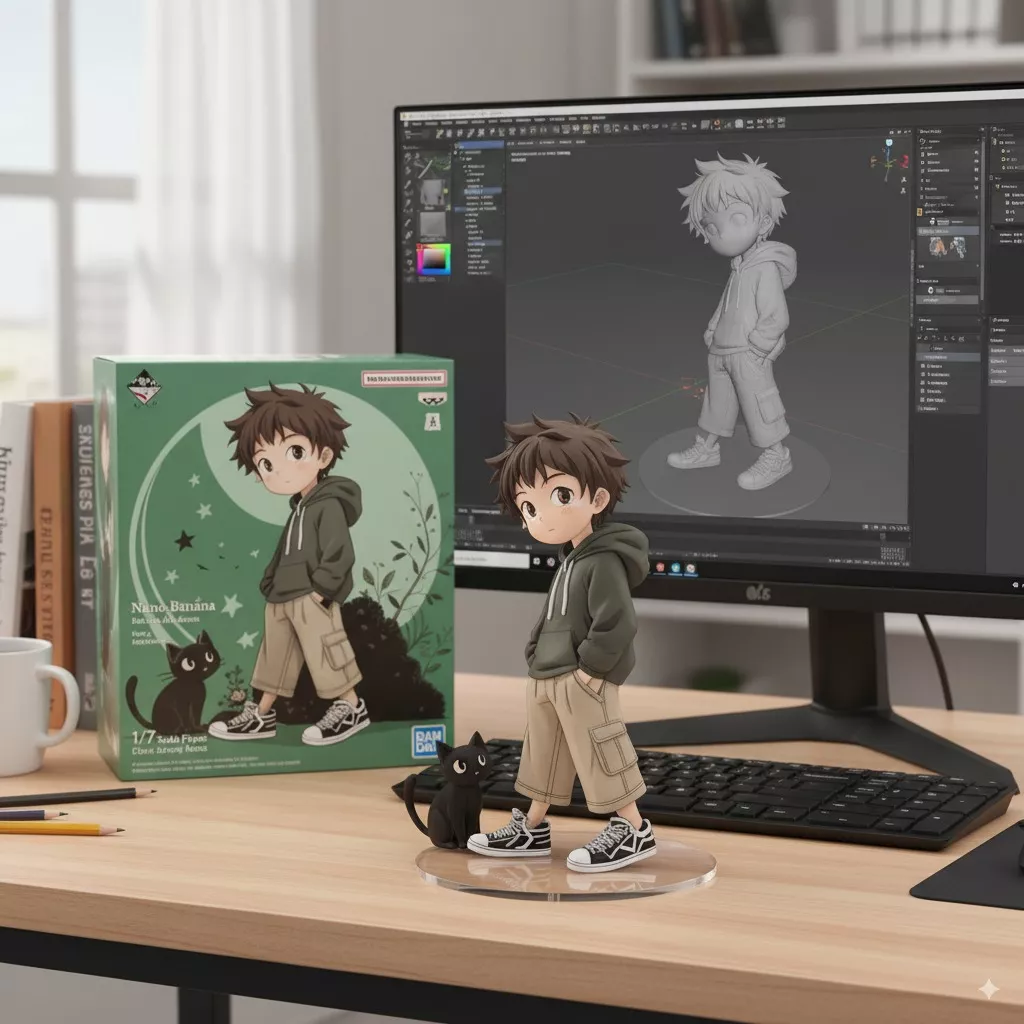
Prompt source: 雲風Cloudwind @ x.com
Actual testing shows the output is not entirely stable; sometimes it requires a few attempts.
Gemini 2.5 Flash Image Preview main features:
- Maintain character consistency across multiple prompts and images: The consistency is highly robust, making it excellent for editing images.
- Edit/replace objects targetedly using natural language: No need to write professional prompts. A single sentence can edit the image, though professional and precise prompts yield better results.
- Based on the two features above, you can synthesize multiple images based on prompts.
- Accurately render text within images: English only, Chinese performance is sub-optimal.
- $30 per 1 million output tokens (about 0.039 cents per image).
Uploaded or generated images will be saved in your Google Drive > My Drive > Google AI Studio folder.

Comments