
At the Google I/O conference on May 20, 2026, Google officially announced the launch of Antigravity 2.0, an agentic-driven, standalone desktop application. The original Antigravity has been renamed to Antigravity IDE, and Antigravity CLI has been introduced to replace Gemini CLI.
Antigravity 2.0 and IDE download page: Download Google Antigravity
Antigravity CLI Installation Methods
macOS / Linux
1 | curl -fsSL https://antigravity.google/cli/install.sh | bash |
Windows PowerShell
1 | irm https://antigravity.google/cli/install.ps1 | iex |
Windows CMD
1 | curl -fsSL https://antigravity.google/cli/install.cmd -o install.cmd && install.cmd && del install.cmd |
Launching and Logging In
Launching Antigravity CLI
Run agy in your terminal to launch the Antigravity CLI.
Logging In
Before using the Antigravity CLI, if you are already logged into your Google account in Antigravity or Antigravity IDE, the system will automatically authenticate you.
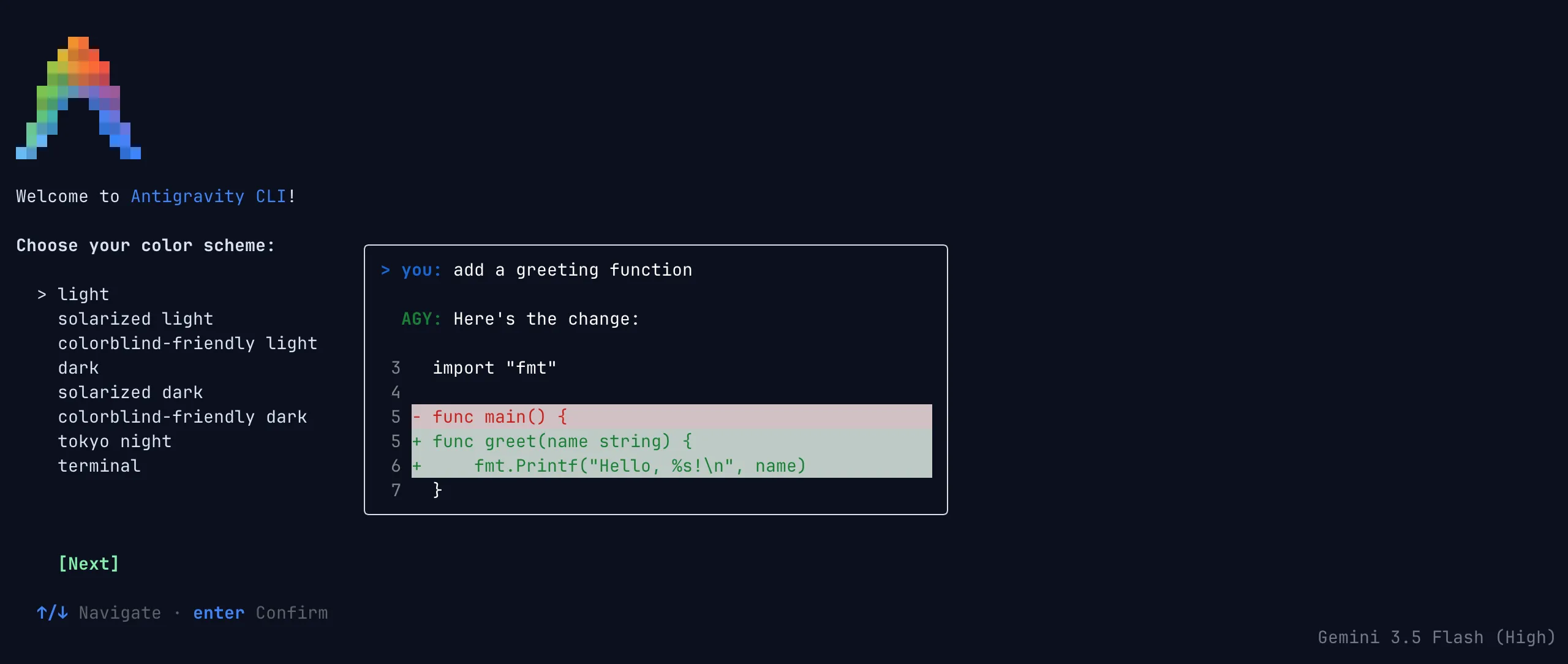
Upon the first launch, you will be prompted to select a color theme. Once you accept the terms of service, the CLI interface will open:
Interface Preview: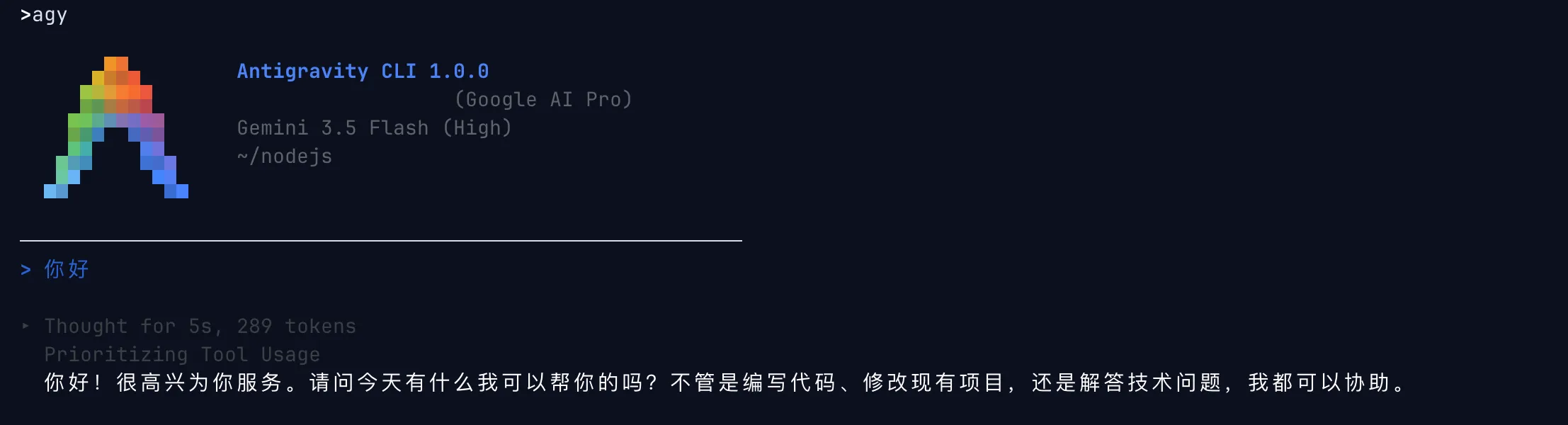
Alternatively, you can choose from the following authentication methods to log in manually:
- Google OAuth
- Use a Google Cloud project
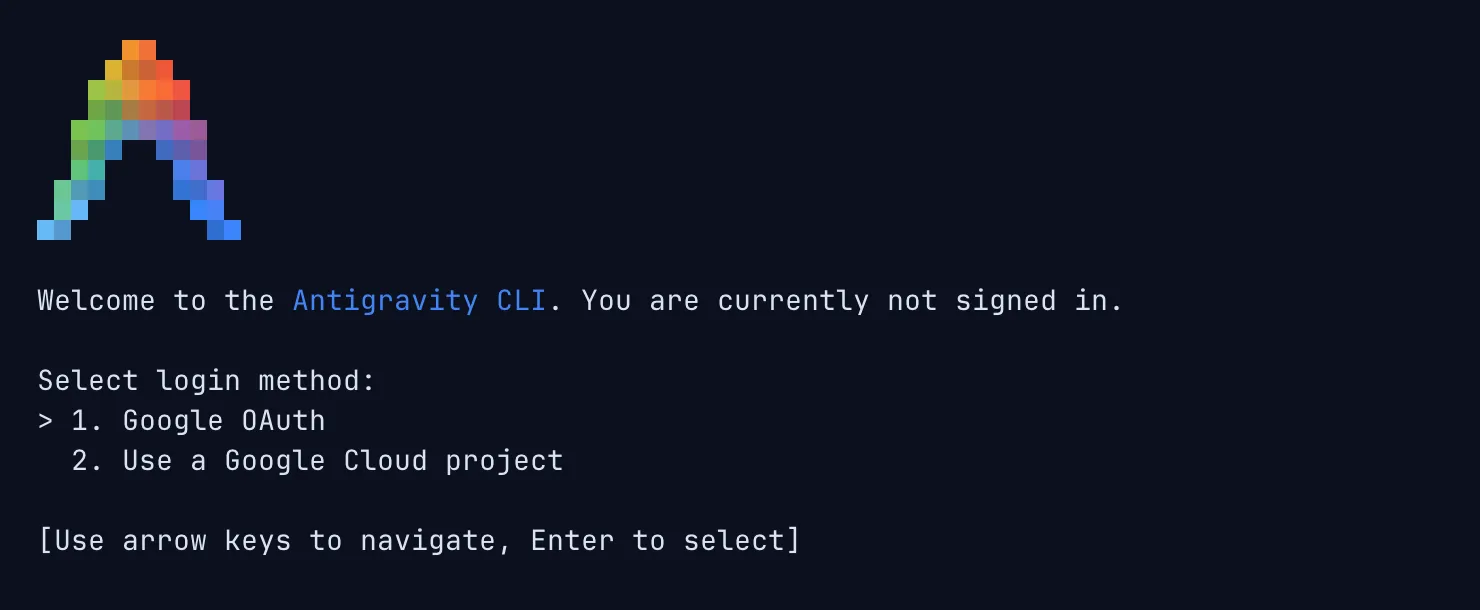
If you select Google OAuth and it does not redirect automatically, you can confirm your login by pasting the authorization code, allowing you to use it on other devices.
Available Models
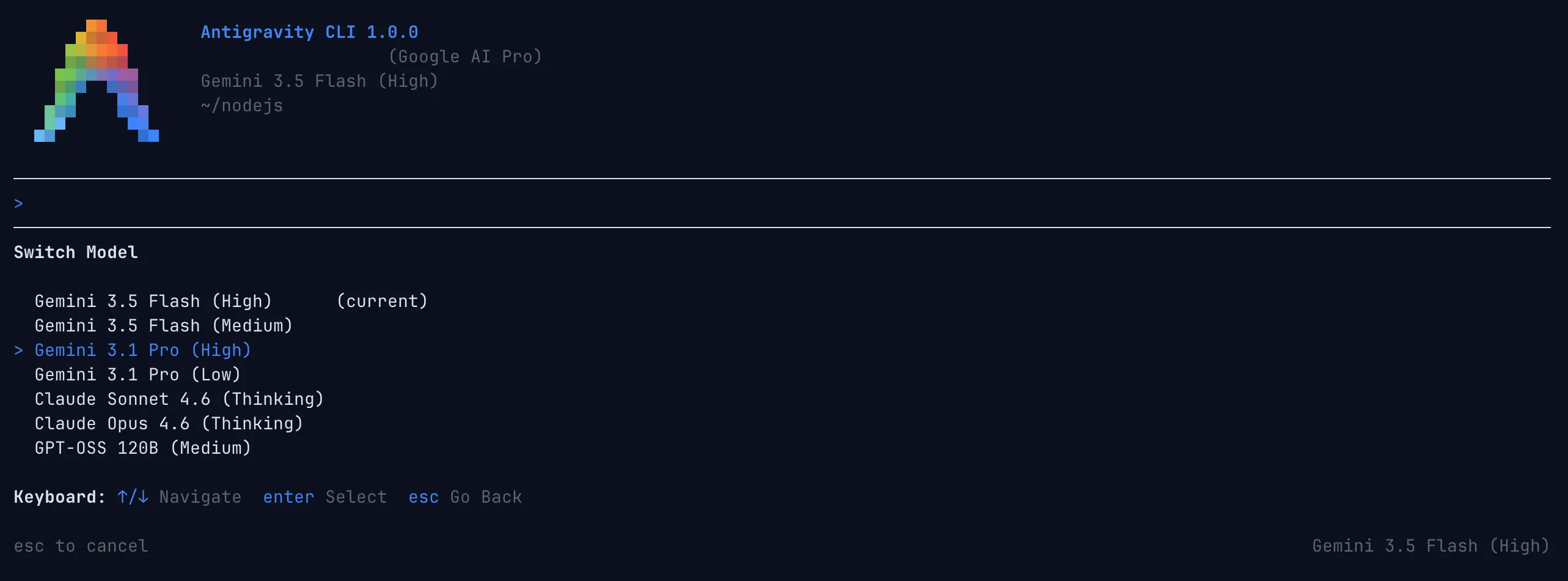
For Google AI Pro users, the models available in the Antigravity CLI are identical to those in the Antigravity IDE:
- Gemini 3.5 Flash (High) (current)
- Gemini 3.5 Flash (Medium)
- Gemini 3.1 Pro (High)
- Gemini 3.1 Pro (Low)
- Claude Sonnet 4.6 (Thinking)
- Claude Opus 4.6 (Thinking)
- GPT-OSS 120B (Medium)
Introduction to Antigravity CLI
Google stated that for maximum performance, Antigravity CLI was built using Go. Google also highlighted three core evolution paths for Antigravity CLI: faster execution, asynchronous workflows, and sharing a unified agent harness with Antigravity 2.0.
Key Advantages of Antigravity CLI:
- Faster Execution: Written in Go, the Antigravity CLI runs faster and is much more responsive.
- Asynchronous Workflows: It coordinates multiple agents in the background to execute complex tasks. This allows you to run large-scale refactorings or research multiple topics without locking up your terminal session.
- Unified Architecture: Sharing the same agent framework as Antigravity 2.0 (the new Antigravity desktop app) ensures that all future improvements to the core agents are automatically applied wherever you use them.
Gemini CLI Sunset
Following the release of Antigravity CLI, Google announced that starting June 18, 2026, Gemini CLI and Gemini Code Assist IDE extensions will cease operations for Google AI Pro and Ultra users.
Enterprise users can continue using them.
Conclusion
The release of Antigravity 2.0 demonstrates that Google does not treat AI programming tools merely as secondary additions to the Gemini models. Instead, it is actively competing for the "next-generation code editing portal." The core focus of this update is not simply adding a chat sidebar to a traditional IDE, but upgrading Antigravity from an agent-first IDE into a comprehensive agentic development platform: desktop, CLI, SDK, and API together forming a new developer workbench.
For users, this competition is undoubtedly a positive development. Whether it's Google, OpenAI, Anthropic, or Cursor, they are all pushing coding tools to evolve from simple "completion assistants" to true "development partners." As competition intensifies, developers will have access to more choices, pushing the boundaries of pricing, user experience, model capabilities, and workflow integration. Ultimately, the winners are the users who write code, debug, and deliver products daily.


Comments