
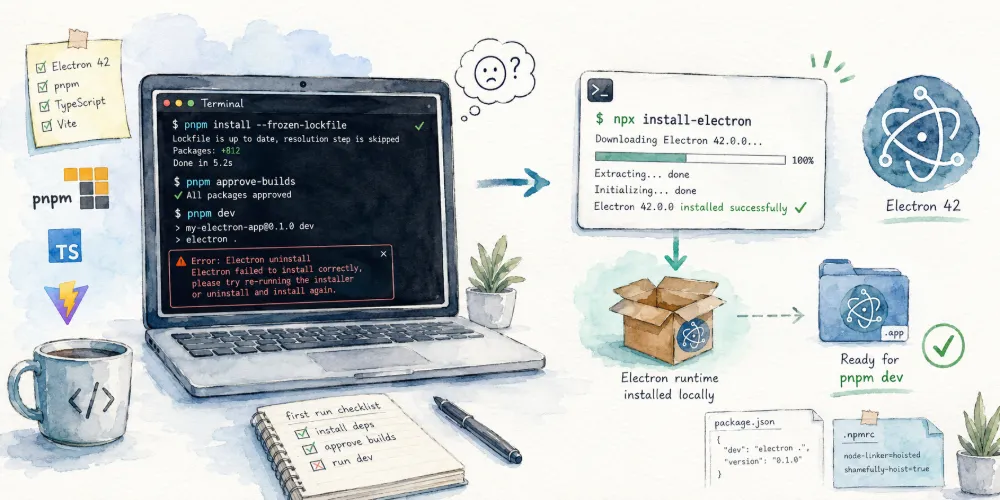
Problem Reproduction
When developing or cloning an Electron 42 app, after installing dependencies, you might encounter an Error: Electron uninstall error message when running pnpm dev for the first time:
1 | pnpm install --frozen-lockfile |
Error Message
1 | error during start dev server and electron app: |
Solution
You need to manually run the following command:
1 | npx install-electron |
Cause of the Problem
This is because, to mitigate supply chain attacks, Electron 42 no longer downloads itself via postinstall.
Electron 42: electron no longer downloads itself via postinstall script
You can run the following commands:
1 | npm install electron --save-dev --ignore-scripts |


Comments