
Have you ever encountered the following situations:
- Needing to urgently edit a client's PSD file while on a business trip.
- Having no Photoshop installed on your computer but needing to process complex images.
- Wanting to experience professional image editing features but unwilling to pay for software.
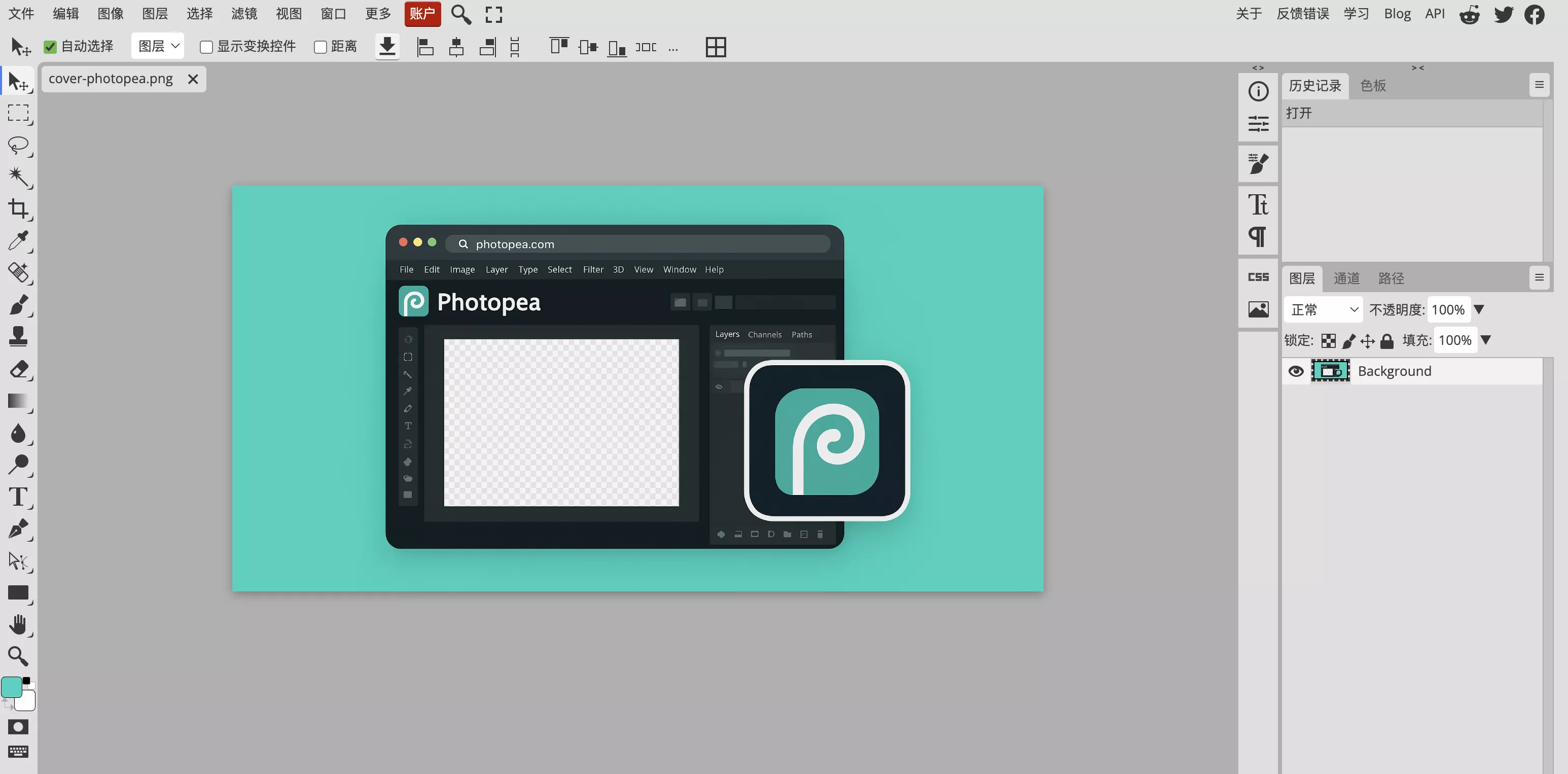
Photopea.com is a free online image editor born precisely to solve these issues. It offers a professional editing experience close to Photoshop right inside your browser, supporting various professional formats like PSD, AI, and Sketch.
Getting Started: Simply visit the website and drag and drop your image file directly into the browser window to start editing.
Key Features of Photopea
1. Support for Multiple File Formats
One of Photopea's major advantages is its compatibility. In addition to conventional image formats, it supports opening and editing professional formats like .psd, .ai, .sketch, and .raw. This is extremely convenient for handling work files temporarily.
2. Familiar Editing Interface
Photopea's interface and operations closely resemble Photoshop. If you have used PS, you will find it highly familiar. It provides core editing features like layers and filters, meeting most daily editing needs.
3. Free Templates
The website also provides free design templates covering posters, social media graphics, etc., helping you start creating quickly.
4. AI Image Generation Support
In addition to traditional image editing features, Photopea supports text-to-image generation—also a free feature, making it perfect for a quick try.
5. Privacy and Security
By default, Photopea processes files locally in the browser and does not upload them to servers. Once the webpage is fully loaded, it can even be used offline.
About Ads
As a free tool, Photopea includes Google Ads on the right side of the interface. Considering the free features it offers, these ads are usually acceptable. The website receives massive traffic, showing that it has been widely recognized by global users.
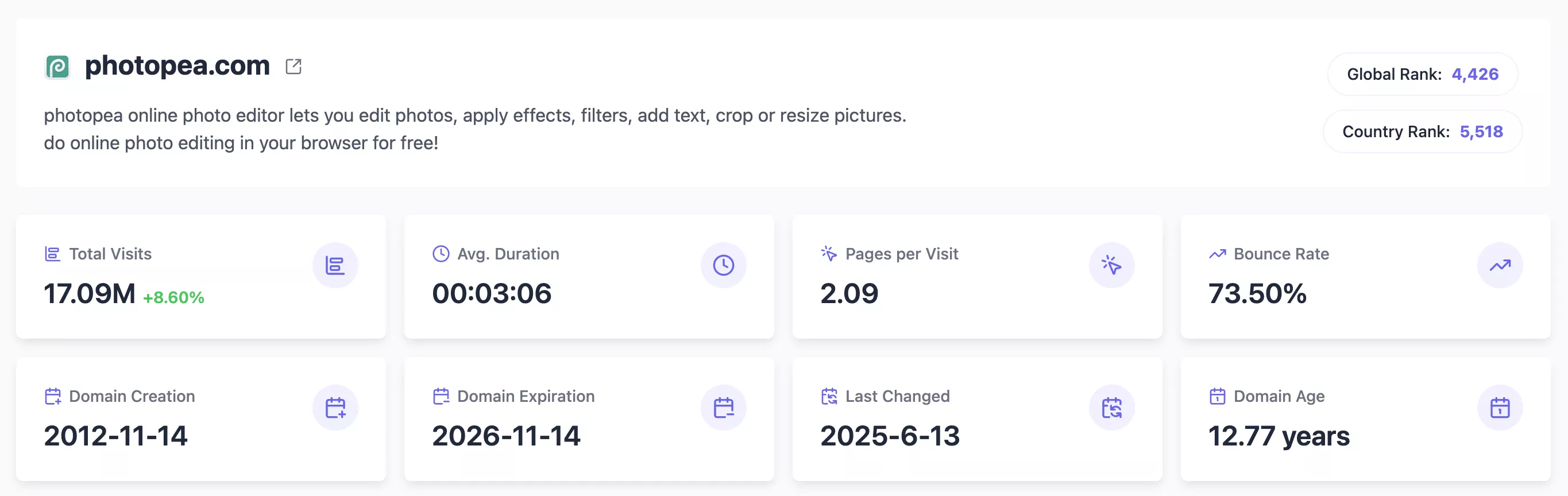
In short, Photopea is a very practical online tool. It is free, requires no installation, and supports multiple file formats.
If you occasionally need to edit images or temporarily handle files like PSDs, Photopea is a website highly worth saving. Consider bookmarking it now for future needs.

Comments