
Major Update: After Google I/O 2026 on May 20, 2026, subscription plans no longer include free AI credits.
On March 12, 2026, Google once again tightened the call quota of Antigravity advanced models for AI Pro users, introducing a weekly refresh limit for the Gemini 3.1 Pro model as well. However, when the limit is reached, you can continue to use the models by consuming Google AI Credits. This article explains how to check the remaining quota for various Antigravity models and your Google AI Credits balance.
You can visit https://one.google.com/ai/activity on the web to check your remaining AI credits.

Checking Your Antigravity IDE Quota
If you don't have a quota tracker extension installed, you can click the gear icon in the top right corner of the Antigravity IDE, select Open Antigravity IDE User Settings, and click Models on the left side of the window to check the remaining quota for different models.
The new version style can now distinguish and display the 5H and weekly quota progress and refresh times:
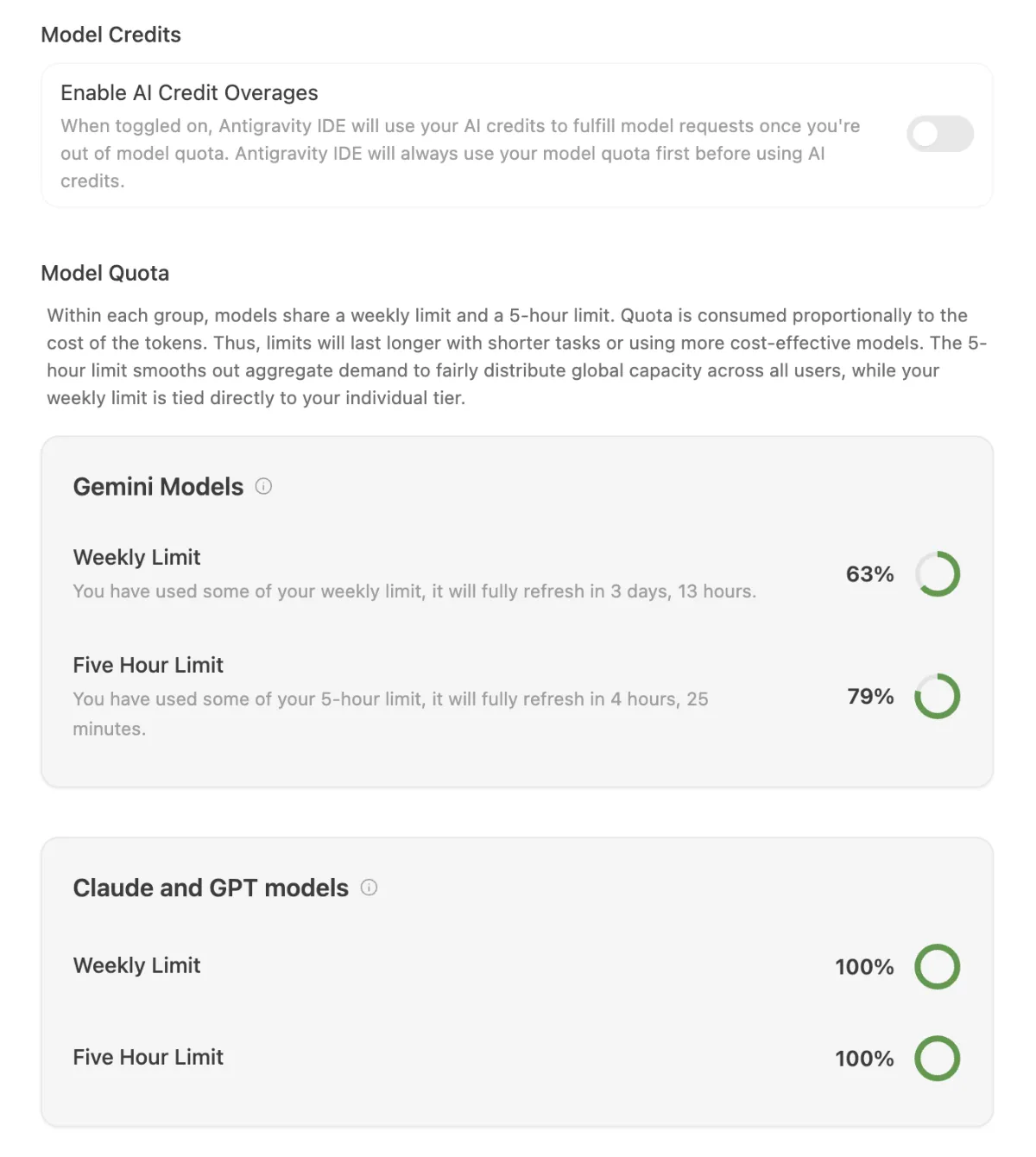
Old Style
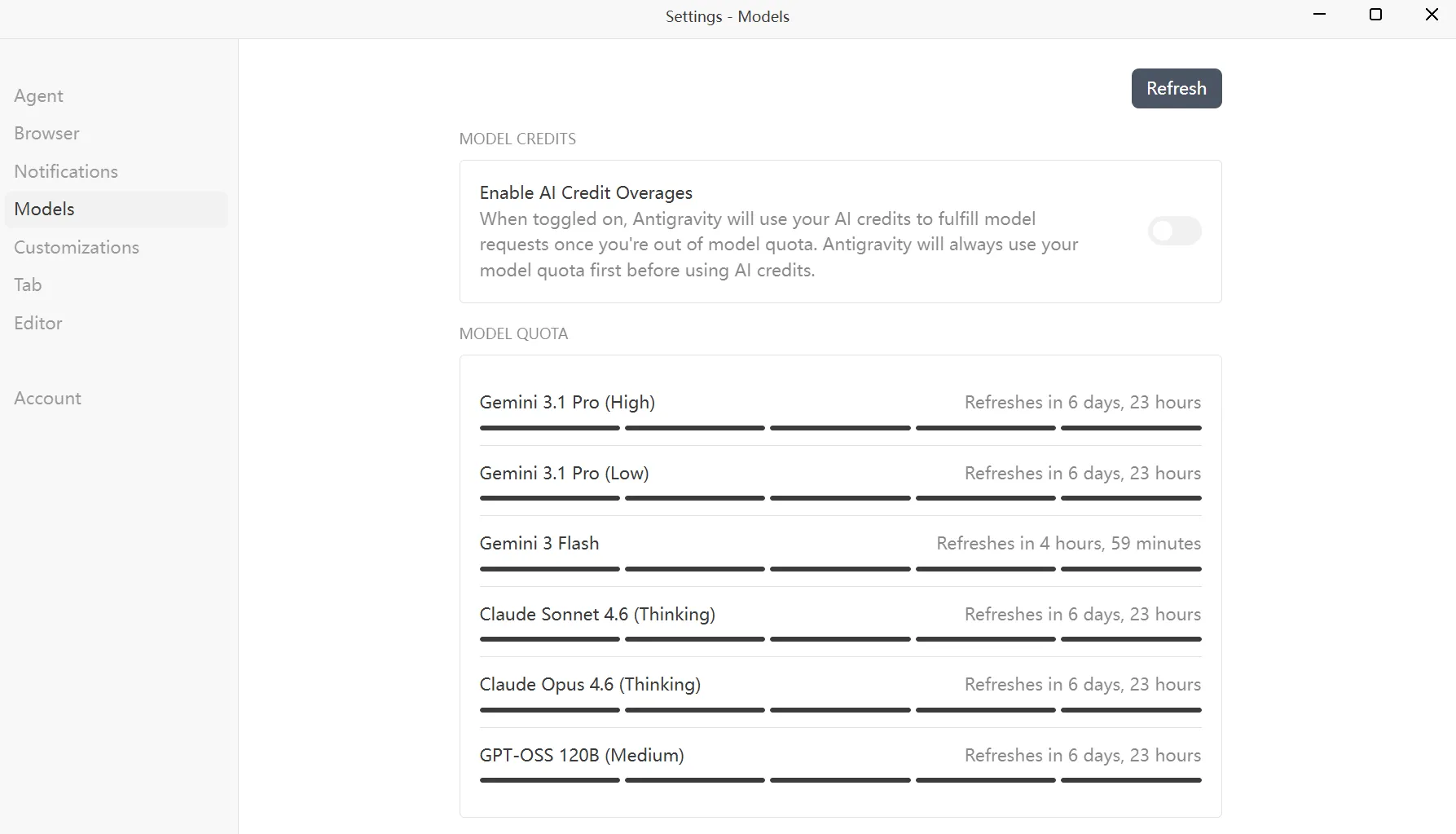
Update:
On March 13, opening the Antigravity IDE settings page showed that the 5-hour refresh mechanism for advanced models had been restored. However, based on observations, if the usage exceeded 40%, it would switch to a weekly refresh.
Update: On May 20, after the editor was renamed to Antigravity IDE, the quota refresh mechanism was optimized, and using too much quota within 5 hours no longer triggers a sudden transition to a weekly refresh.
Checking Google AI Credits Balance
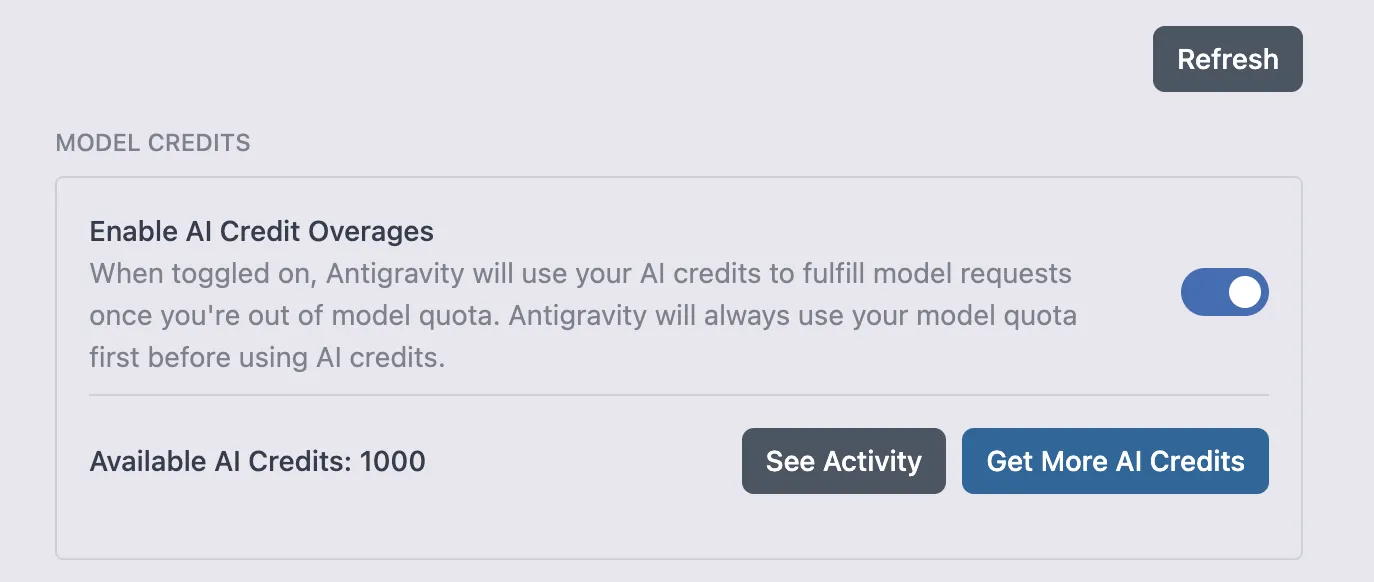
In the model quota interface, you will see a toggle switch called Enable AI Credit Overages. Once enabled, you can use models by consuming AI credits.
When toggled on, Antigravity will use your AI credits to fulfill model requests once you're out of model quota. Antigravity will always use your model quota first before using AI credits.
If you are a Google AI Pro / Ultra member, in addition to the built-in quota, you can also receive a fixed amount of AI credits each month.
Specifically, Pro members receive 1,000 credits per month, while Ultra members receive 25,000 credits.
In May 2026, Google announced at Google I/O 2026 that subscription plans will no longer include free AI credits.
If you want to view your remaining credits, simply enable the option to view them:
For family plan users, these credits are shared among all family members.

Comments